
You said yes.
They’ll say “We’re coming.”
RSVPs, guest requests and tables, in your private dashboard. On your phone, too.
Demo with fictional guests. Interface in Italian.
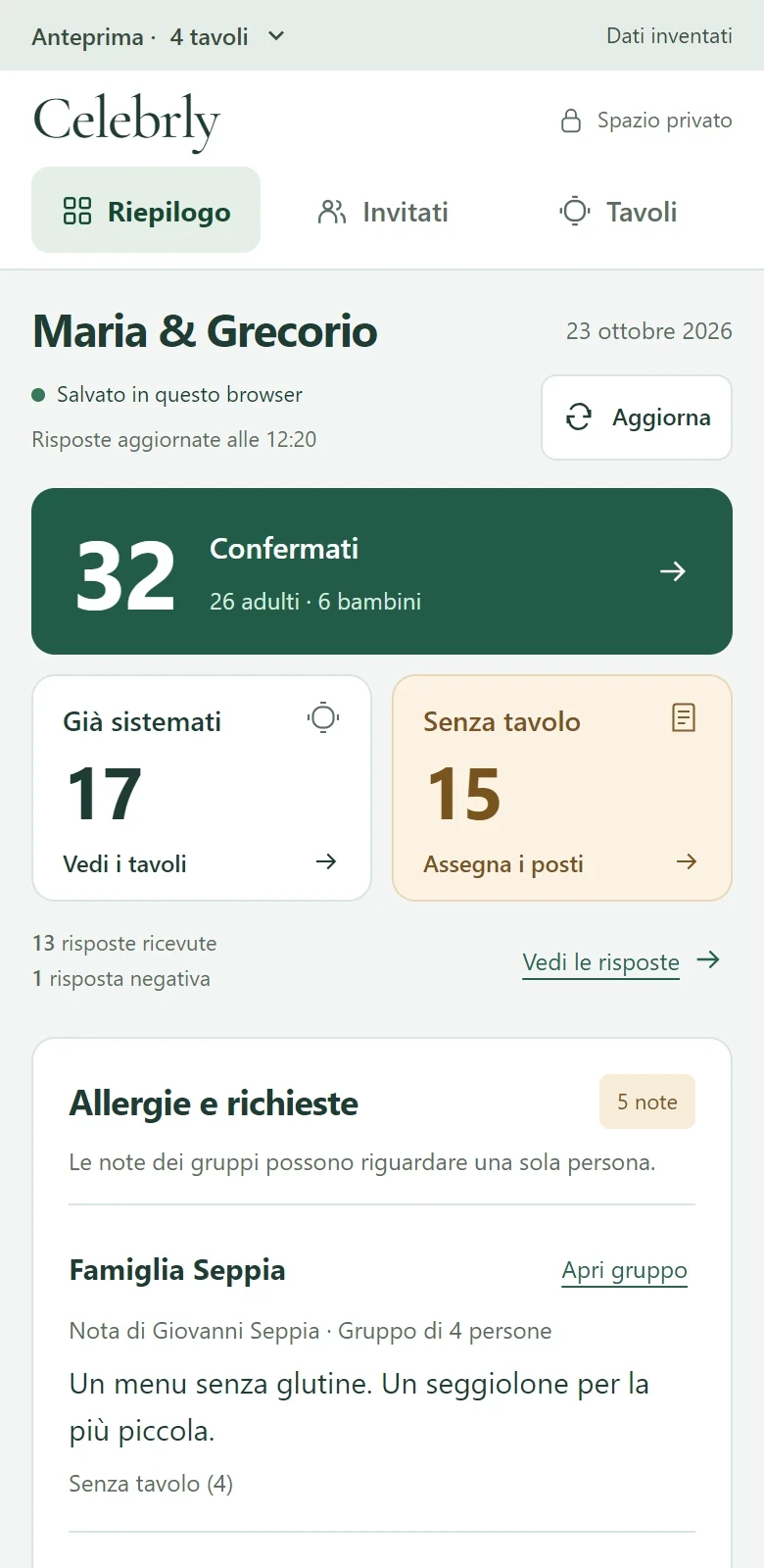
One reply.
Four people
to welcome.
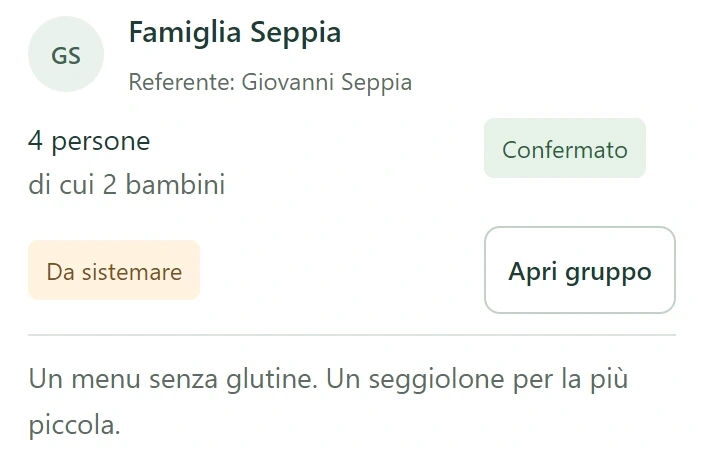
Dietary needs, high chairs, names to add: every detail with the right family.
Old friends,
one shared table.
Seat families or individual guests, then arrange your tables on the plan.
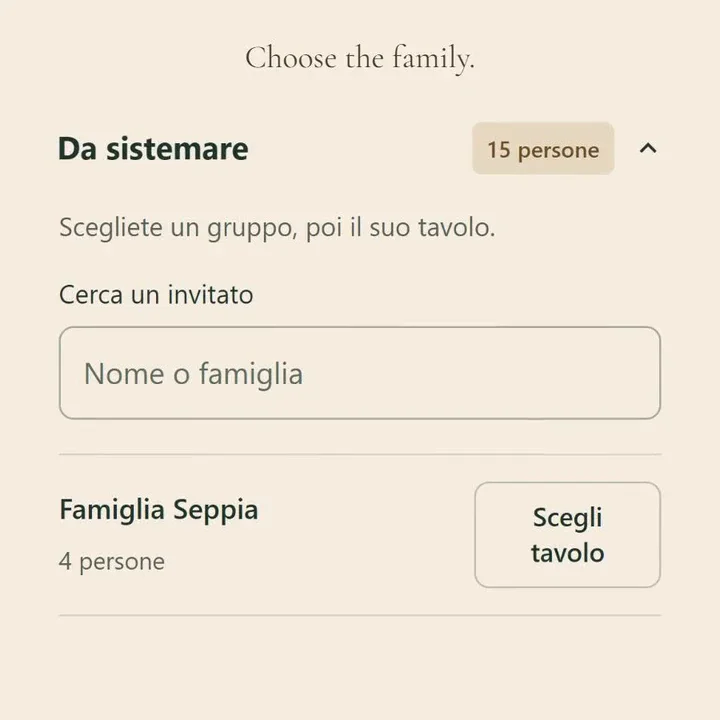
One family. One table. Sorted.
The Seppias, together at Peonia.
Read the steps
- Find the Seppias among the guests still needing a table and choose “Scegli tavolo”.
- Select Peonia, which has eight places available.
- Check the summary: four guests together and four places left. Choose “Conferma 4 persone” to confirm.
- Giovanni, Anna, Tommaso and Emma appear on Peonia’s guest list.
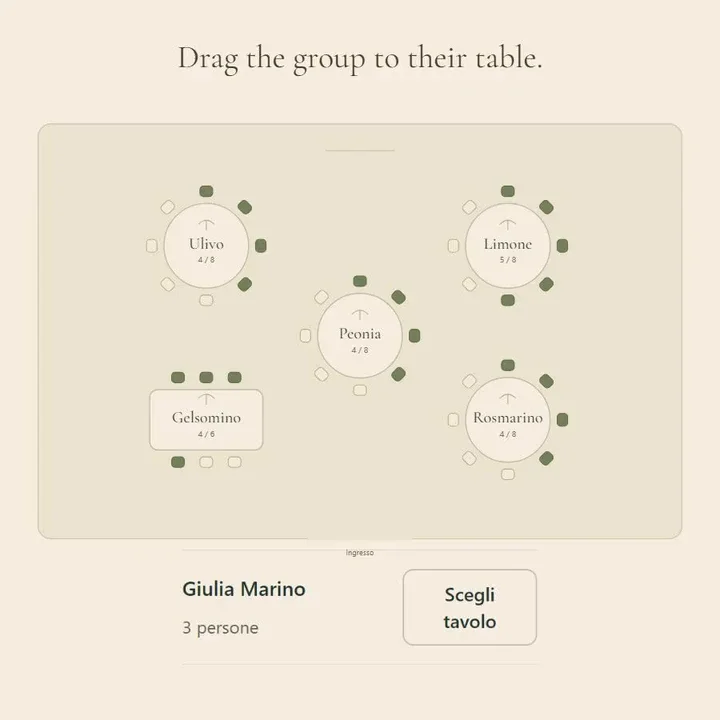
Your room takes shape.
Move your guests, then arrange the room.
Read the steps
- This example has five tables. Ulivo has four places available.
- Drag Giulia Marino’s group of three to Ulivo. The count changes from four to seven guests out of eight places.
- Move Peonia to arrange the room. The Seppias stay assigned to their table.
- Guests are assigned to tables. The chairs on the plan show capacity, not each person’s exact seat.
For your venue,
every little detail.
Print your table plan and notes. Download a guest list CSV, ready to share.
Before you try it.
One name for the whole family?
Each guest stays linked to their group. Add individual names and notes; unnamed guests from different families remain distinguishable.
How do we get in?
Open your private link on a phone or computer, with no app to install. Share it only with people helping you plan.
Can we try things out?
Yes. The demo uses fictional guests. Try 4 or 20 tables; “Ricomincia” resets the example. Changes stay in your browser. The interface is in Italian.
Your turn.
Who’s sitting with whom?
Pick a family and find them a table in the demo.